

Guide
You can play your first session without reading this. It's here for when you want to know what a setting does.
Hosting a session
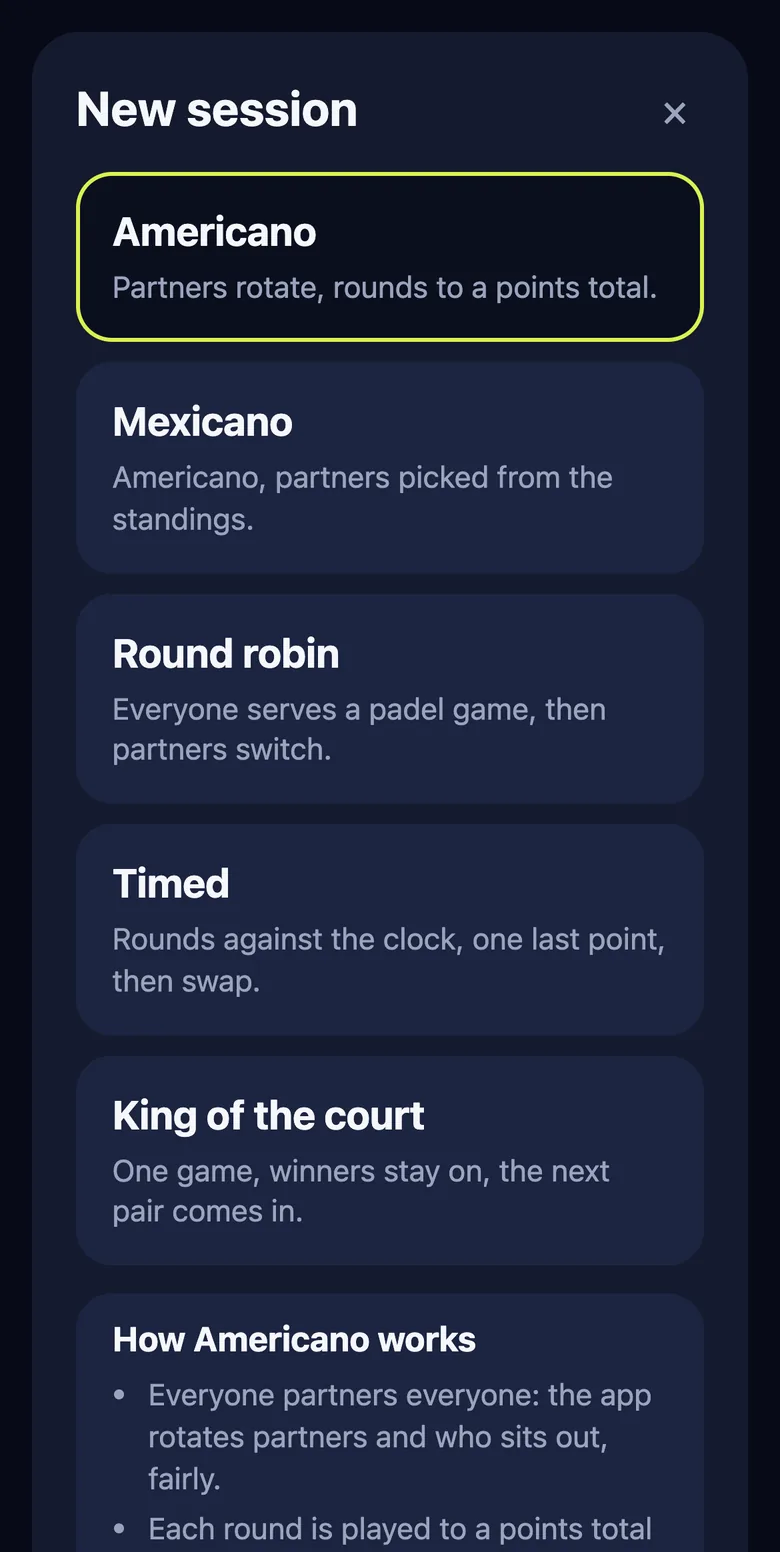
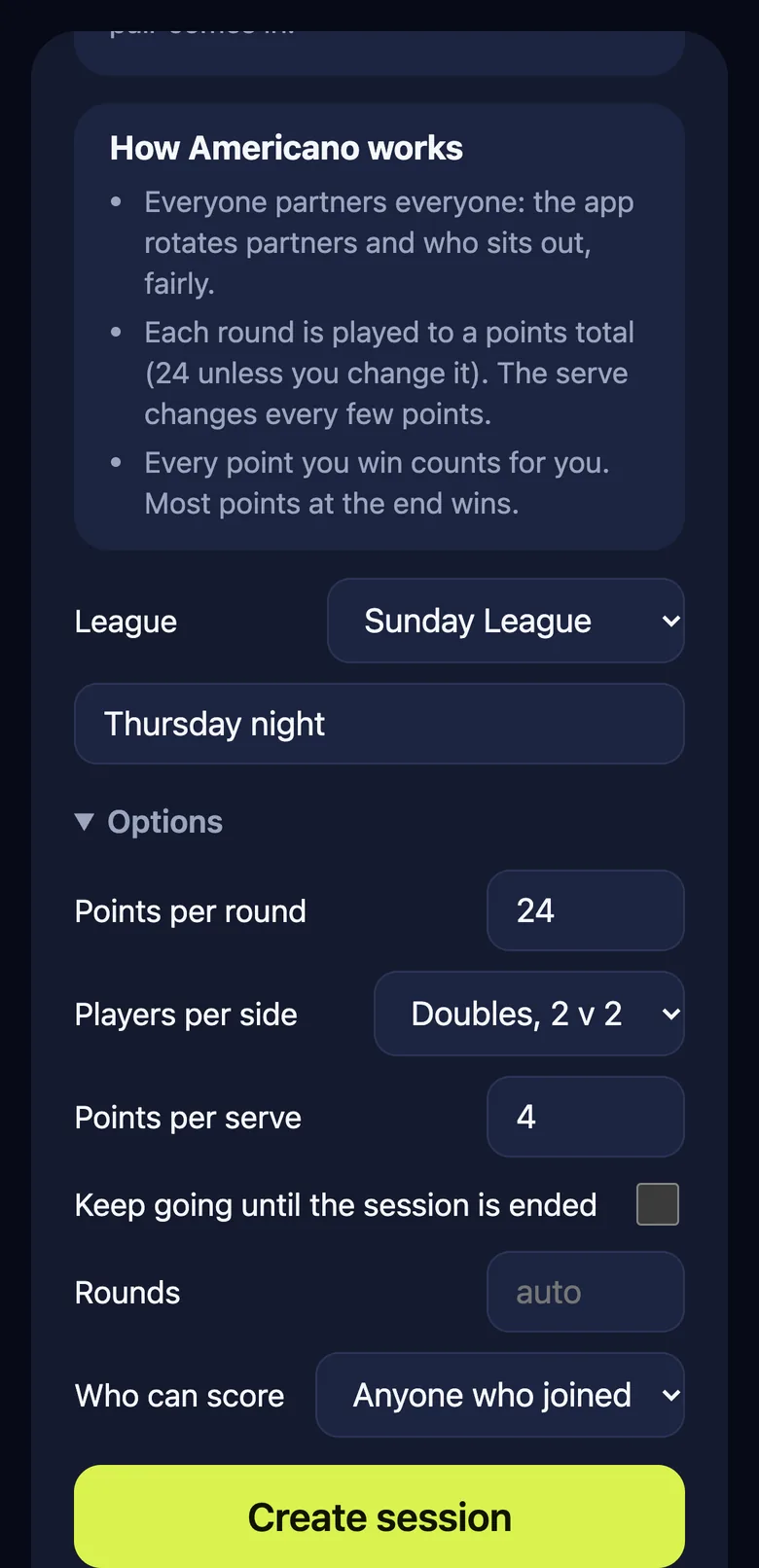
The host is whoever starts the session. Their device is the board and holds the controls.
- Open pad3l and tap Create session.
- Pick a format. Change the settings or leave them as they are.
- Pick a league if you're playing for one. Leave it blank for a one-off.
- Wait for everyone to join, then tap Start. You need at least two players.
Use a tablet as the board if you have one. Everyone can see the score and who is up next from the court. A phone works just as well.
Settings
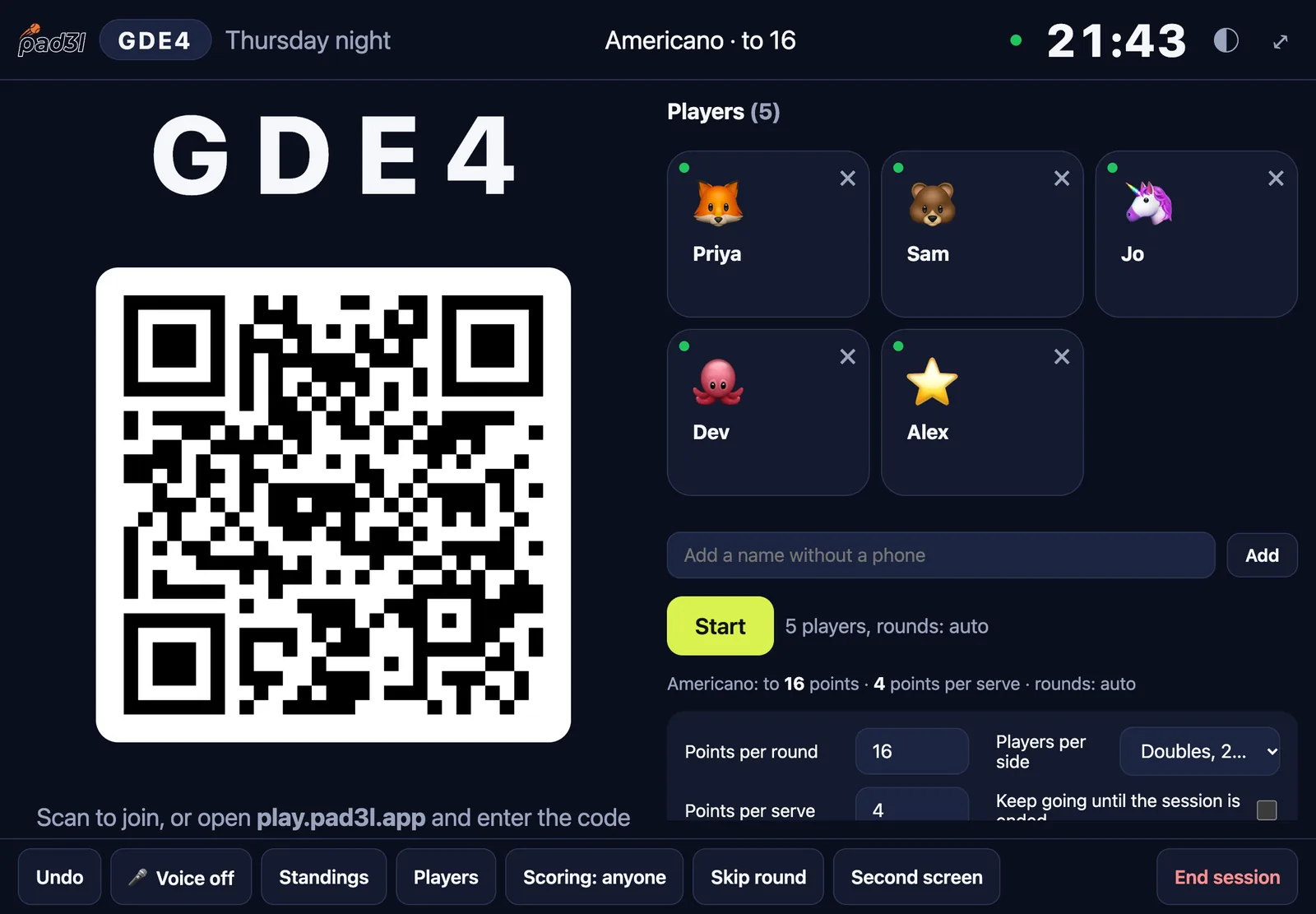
- Format
- Americano, Mexicano, round robin, timed or king of the court. See formats.
- Points per round
- For Americano and Mexicano. 24 by default.
- Minutes per round
- For timed rounds. 9 by default.
- Rounds
- Auto, a set number, or keep going until you end the session.
- Teams
- Two against two, one against one, or two against one.
- Who scores
- Anyone, or the board only. You can change this during play.
- Practice
- Scored as normal, never saved to a league.
Everything can be changed in the lobby before you start. Once play starts, only "who scores" can change, so the rotation stays fair.
When plans change
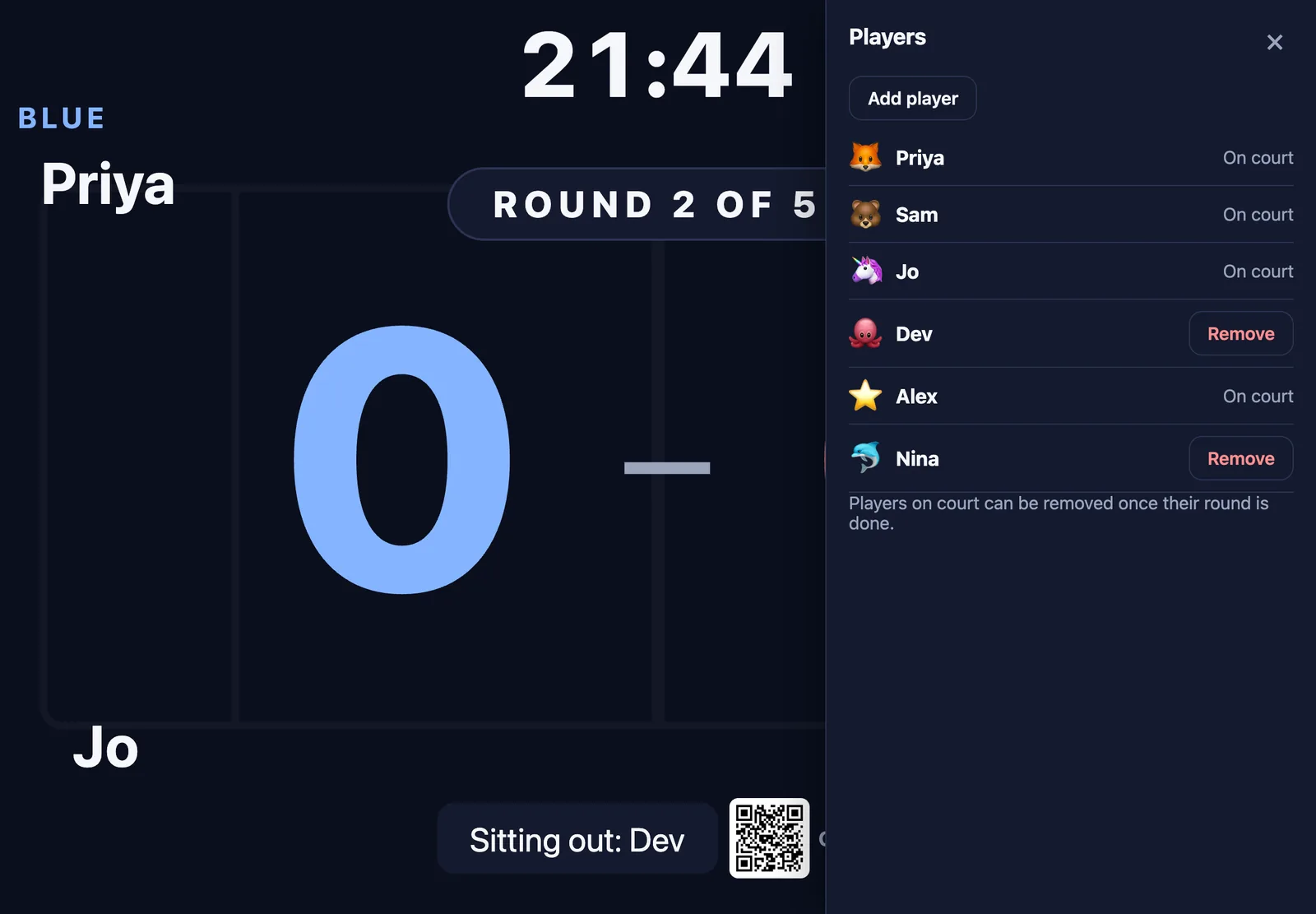
Open Players on the board. The host can make every change there.
Someone arrives late
Add their name, or let them scan in. They join from the next round and the rest of the rotation is re-planned.
Someone has to leave
Players on court show as "On court". Remove them once their round finishes, or at the round-end prompt. The next round is planned without them.
They come back
People who left are listed under "Left". Tap a name to bring them back.
Short on time
Skip a round, or end the session early. Results so far still count.
Still got the court
At the end, tap Play another round.
Adding and removing players needs a signal. Scoring keeps working without one.
Joining and scoring
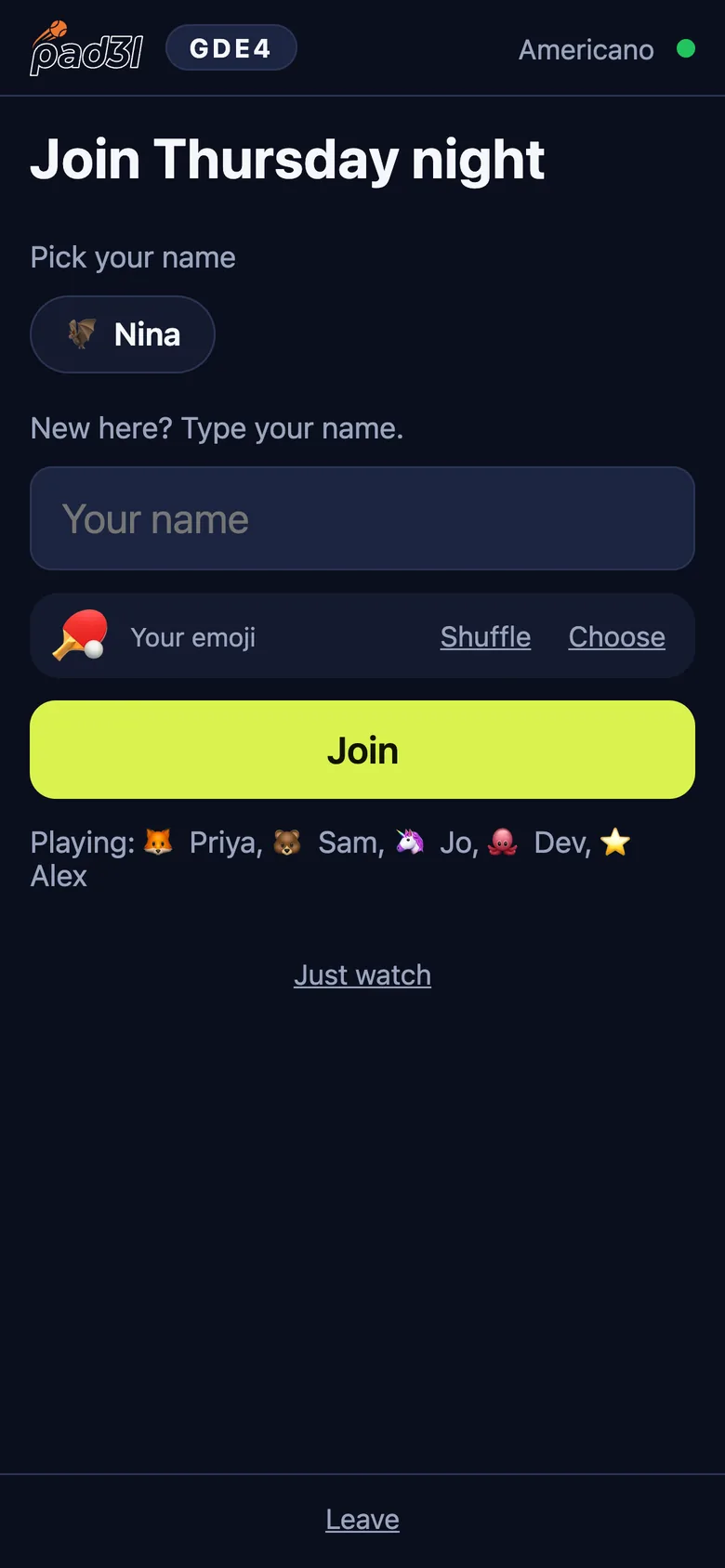
Joining
Scan the QR code on the board, or type the four letter code. Enter your name and pick an emoji. Use the same name every time, so your results add up across sessions and leagues.
Someone added you already
If the board added your name, join with exactly that name and it becomes yours.
Scoring
Tap the button for the team that won the point. Tapped the wrong one? Tap undo. If the host has set scoring to the board only, your phone shows the score but doesn't change it.
Prompts
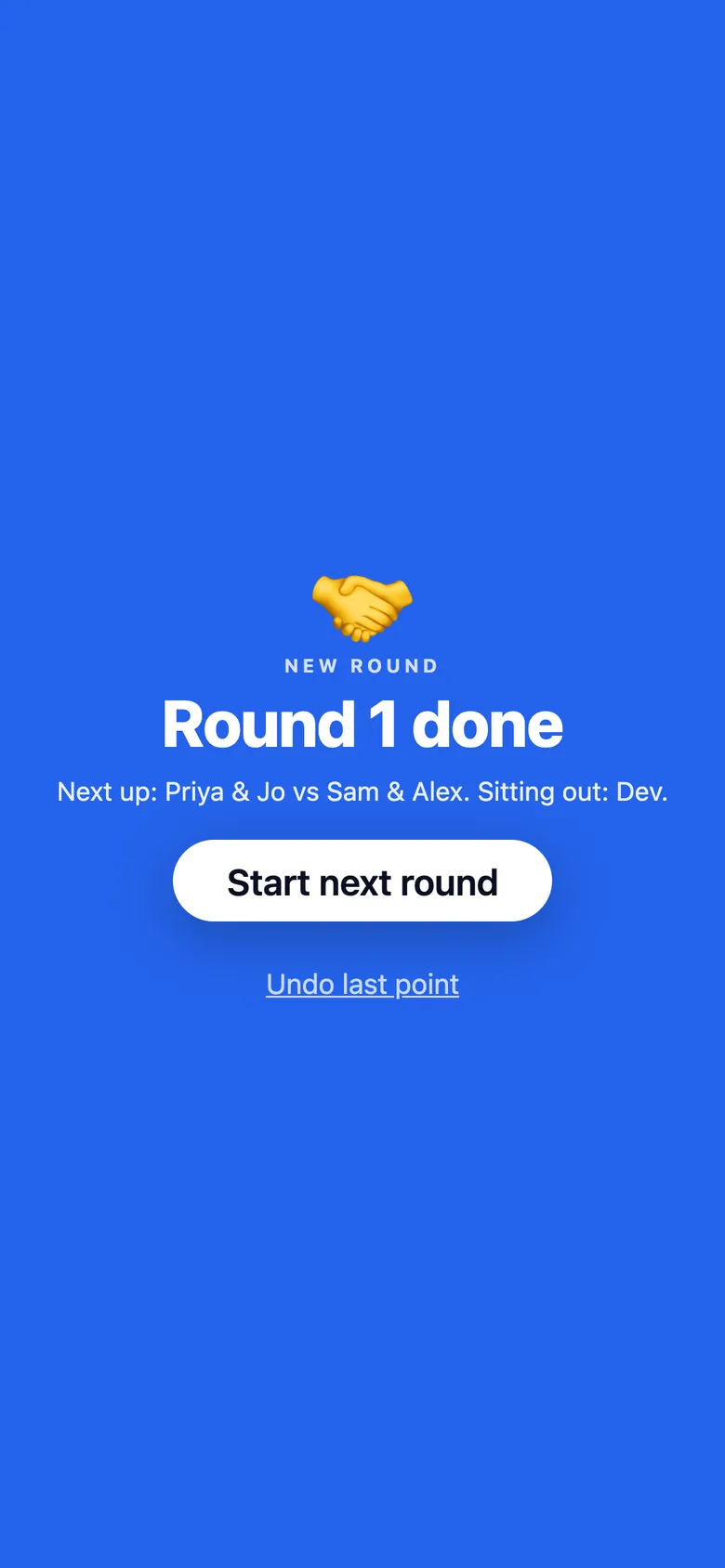
When it's time to change ends or start the next round, every screen shows it. Anyone can confirm, then scoring carries on.
Buttons
Bluetooth clickers
Any Bluetooth clicker, presenter remote or page-turner works with the board. Pair it with the tablet in its Bluetooth settings, then open the board.
- Left, Up or Page Up
- Point to the left side.
- Right, Down or Page Down
- Point to the right side.
- Backspace
- Undo.
- Enter or Space
- Confirm a prompt.
Flic buttons
Press for a point, double press to undo, hold to confirm. Use one button for each side.
Watch Coming soon
A watch app is on the way, for scoring from your wrist.
Leagues
A league is just a name. Type a new one when you create a session to start it, or pick one you've used before.
- When a session ends, results post to its league.
- Points for each session are 10 for first, 7 for second, 5 for third, 3 for fourth and 1 for everyone else. Ties share the place.
- Seasons last two months. Past seasons and an all-time table stay on the league page.
- There are tables for each format and a rating table.
- You can play in as many leagues as you like. Your player page brings them together.
Players are matched by name, so use the same name each time. Two spellings of one person can be merged: ask us.